



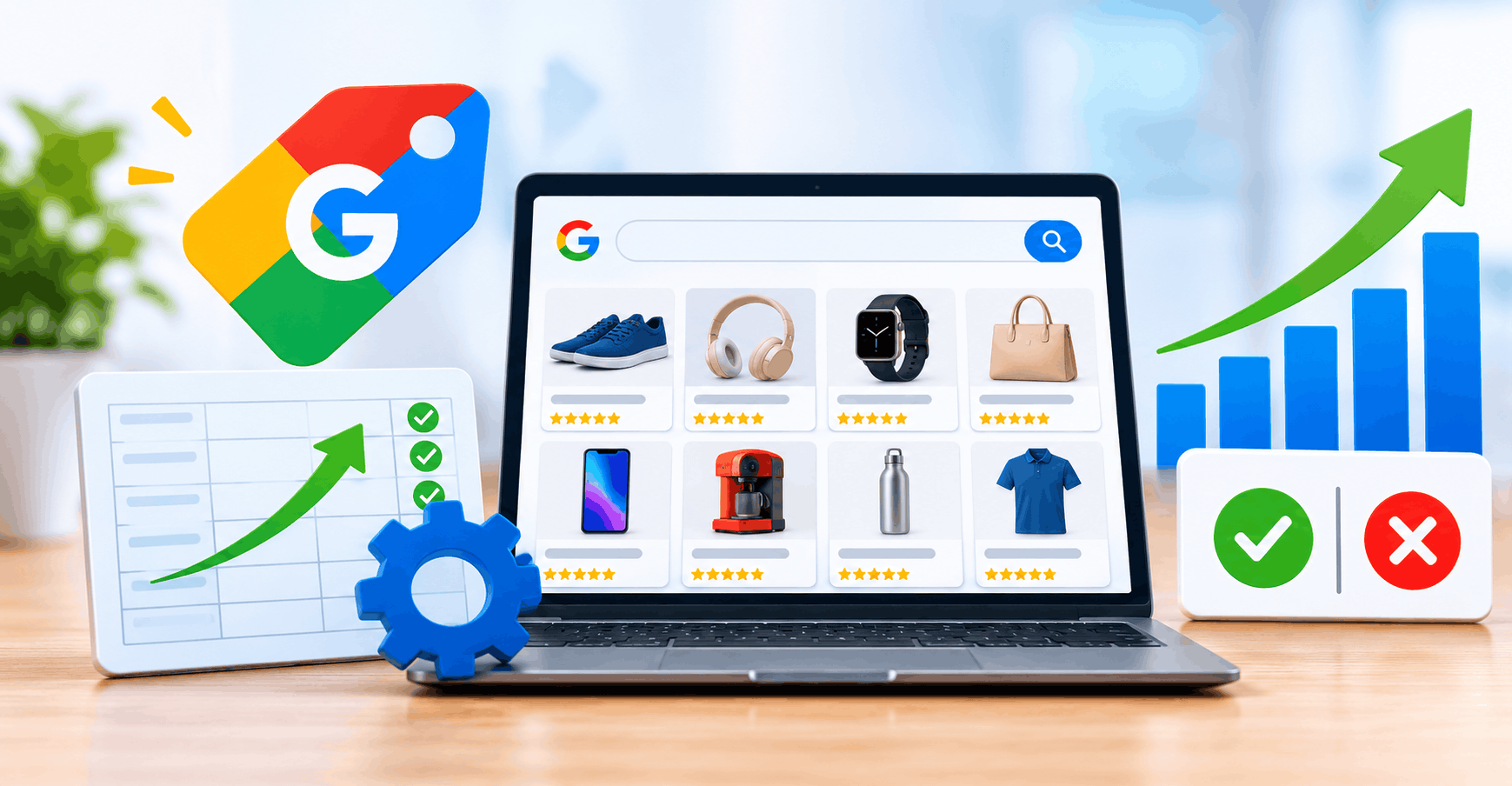



Google Merchant Center is the free platform where retailers upload product data for Google Shopping ads, free listings and other Google surfaces. Your ecommerce product feed decides which products qualify and which searches they match. That makes Google Merchant Center product feed optimization one of the most direct levers for Shopping campaign optimization. Merchant Center Next now runs every account, a new image minimum takes effect on January 31, 2027, and Google’s AI surfaces draw on structured product data. This guide covers GMC feed basics, Google feed optimization tactics and Performance Max feeds. Better data removes avoidable limits, but it doesn’t guarantee results.
Understanding Google Merchant Center Next and Product Feed Optimization
The Google Merchant Center Next vs classic question is now historical. Google retired classic Merchant Center on September 30, 2024.[1] In daily work, Feeds became Data sources and Diagnostics became the Needs attention tab under Products.[18]
A product feed is structured product data sent to Merchant Center through a file, Google Sheet, platform integration or API. Shopping ads are paid placements built from that data plus your bids. Google free product listings use the same data without ad spend.
How to get free listings on Google Shopping 2026: create and verify a Merchant Center account and confirm the free listings program is enabled. Then clear any Needs attention issues. Accuracy is the gatekeeper, because a price or availability mismatch with your landing page can get a product disapproved.[10]
Essential Google Product Data Specification for an Optimized GMC Feed
The Google product data specification requires every product to have an ID, title, description, link, image link, availability and price.[2] The remaining attributes depend on the product:
• Brand: required for most products.
• GTIN: required when the manufacturer assigned one.
• MPN: needed when no GTIN exists.[6]
• Condition: matters most for used or refurbished items.
• Shipping: required in some countries, so check your target market.
• Recommended extras: Google product category, product type, color, size, extra images, custom labels and product highlights.
Requirements vary by country and category, so verify against the current specification.[2]
Google Merchant Center Next Optimization Strategies for 2026
Optimize Product Titles for Google Shopping 2026
Titles allow 150 characters, but shoppers mostly see the opening words, so lead with brand, product type and key attributes.[7][17] Titles must match the landing page and exclude promotional text.
• Weak: “Best Running Shoes SALE Free Shipping”
• Improved: “Stridewell Men’s Trail Running Shoes – Waterproof, Black, Size 10”
If AI drafts your titles, Google requires the structured_title attribute with the trained_algorithmic_media value.[13]
Optimize GTINs for Google Shopping
Submit the manufacturer’s GTIN. Never invent one, and give each variant its own.[5][18] To fix a GTIN missing error in Merchant Center:
1. Filter Needs attention for the issue.
2. Get the barcode from your supplier or packaging.
3. Map it to the GTIN field. Variant barcodes that never reach that field are a common platform problem.[18]
4. Resubmit through your feed or a supplemental source.
For custom or handmade items without a GTIN, send brand and MPN where available. Set identifier_exists to false only when you’re certain no identifier exists.[6]
Improve Product Images and Resolve Image-Related Issues
Merchant Center image size enforcement 2026 is officially confirmed. Google’s specification update requires 500 x 500 pixels minimum for all products, with warnings since April 14, 2026 and enforcement on January 31, 2027.[3][4] Until then, the minimum is 100 x 100 (250 x 250 for clothing).[3]
To fix an “image too small for upcoming enforcement” warning in Merchant Center, open Needs attention and select View history. Find the orange warning and replace those images with larger originals.[3] Google recommends 1500 x 1500 or larger for best performance across listing formats.[20] Use clear product shots without text overlays or watermarks.
Add Product Highlights to Merchant Center Feed
A Google product highlights 2026 strategy builds on an existing optional attribute, not a new 2026 rule. To add product highlights to your Merchant Center feed, submit product_highlight as a repeated value. Use 2–100 highlights of 1–150 characters each, and Google recommends 4–6. Focus on selling benefits and keep technical specs in product_detail.[8]
How to Fix Google Merchant Center Product Disapprovals
Common causes include missing data, price or availability mismatches, invalid GTINs, small or non-compliant images, broken URLs, website or checkout problems, and policy violations.[9] A practical workflow:
1. Identify affected products in need of attention.
2. Read the specific issue and attribute.
3. Fix the source data, feed or landing page, not just the symptom.
4. Let the update sync.
5. Request a review where Google offers one.[9]
6. Monitor Needs attention, the successor to the classic Diagnostics tab.
To resolve Google Merchant Center disapprovals fast, group products by issue type and fix them in bulk. Googlebot rechecks price mismatches over hours or days, so approval isn’t instant.[10]
Maximize Performance Max Shopping Feeds and Improve Campaign ROI
Performance Max feeds drive product selection through listing groups built from feed attributes. Google recommends custom labels, up to five per product, for grouping by margin, seasonality or bestsellers.[11][12] Label changes can take 24–48 hours to appear in Google Ads.[11]
Strong titles, images, prices and availability feed better ads. Review product-level performance and exclude irrelevant or weak products through listing groups. Avoid frequent changes to category or product type, which can disrupt campaign structure.[17] Because Performance Max serves across channels, our guide to YouTube Ads campaign optimization covers the video side. For Shopping ads ROI improvement, set bids against margin and not just revenue.
Google Shopping Feed AI Optimization and Emerging 2026 Trends
Confirmed by Google:
• Merchant Center AI performance insights. A report on brand visibility and share of voice in AI Mode, AI Overviews and the Gemini app. It was announced May 27, 2026, and availability is limited to selected markets, including India.[14]
• Conversational attributes. Six optional attributes, such as question_and_answer and related_product, support AI discovery.[19]
• structured_title and structured_description. The attributes Google requires for AI-generated titles and descriptions.[13]
Third-party and emerging practice: AI tools that draft titles, enrich attributes or audit feeds. Review their output before publishing.
For AI Overviews ecommerce optimization, Google states that specific optimization isn’t required for AI Overviews and AI Mode.[15] Accurate feeds support eligibility but guarantee no placement.
Google Merchant Center API transition 2026 is real. The Content API for Shopping was sunset on August 18, 2026. Requests without an extension began failing intermittently with HTTP 410 on September 1, and full shutdown follows in early 2027.[16] Custom integrations must move to the Merchant API.
Google Shopping Feed Optimization Checklist 2026
• Accurate, current product data
• Required and recommended attributes complete
• Titles and descriptions optimized
• Valid GTINs and brand details
• Images at least 500 x 500, ideally larger
• Price and availability matching the landing page
• Working product URLs
• Shipping and return information set
• Feed syncing on schedule
• Needs attention checked weekly
• Product-level performance reviewed
To improve Shopping ads visibility without increasing budget, fix disapprovals first, complete optional attributes and tighten product groups. A clean feed also simplifies cross-channel work, and our guide to Google Ads and Microsoft Advertising shows how. B2B sellers can pair Shopping with a B2B advertising strategy on LinkedIn.
Conclusion
Google Merchant Center product feed optimization comes down to accurate data, policy compliance and steady monitoring. With the 500 x 500 image rule arriving January 31, 2027, audit your images this month. Then migrate any Content API integrations and review Needs attention weekly.