

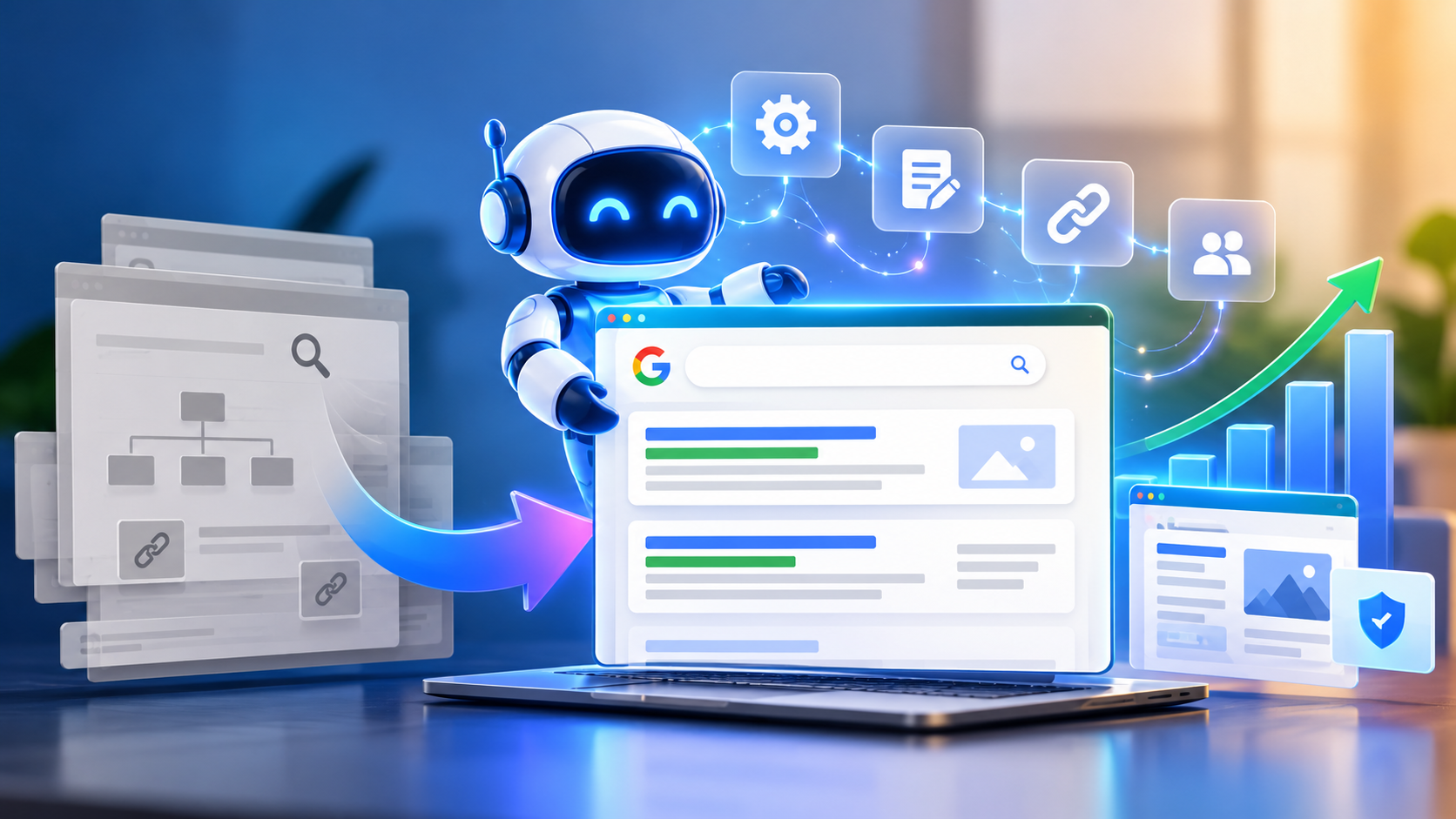
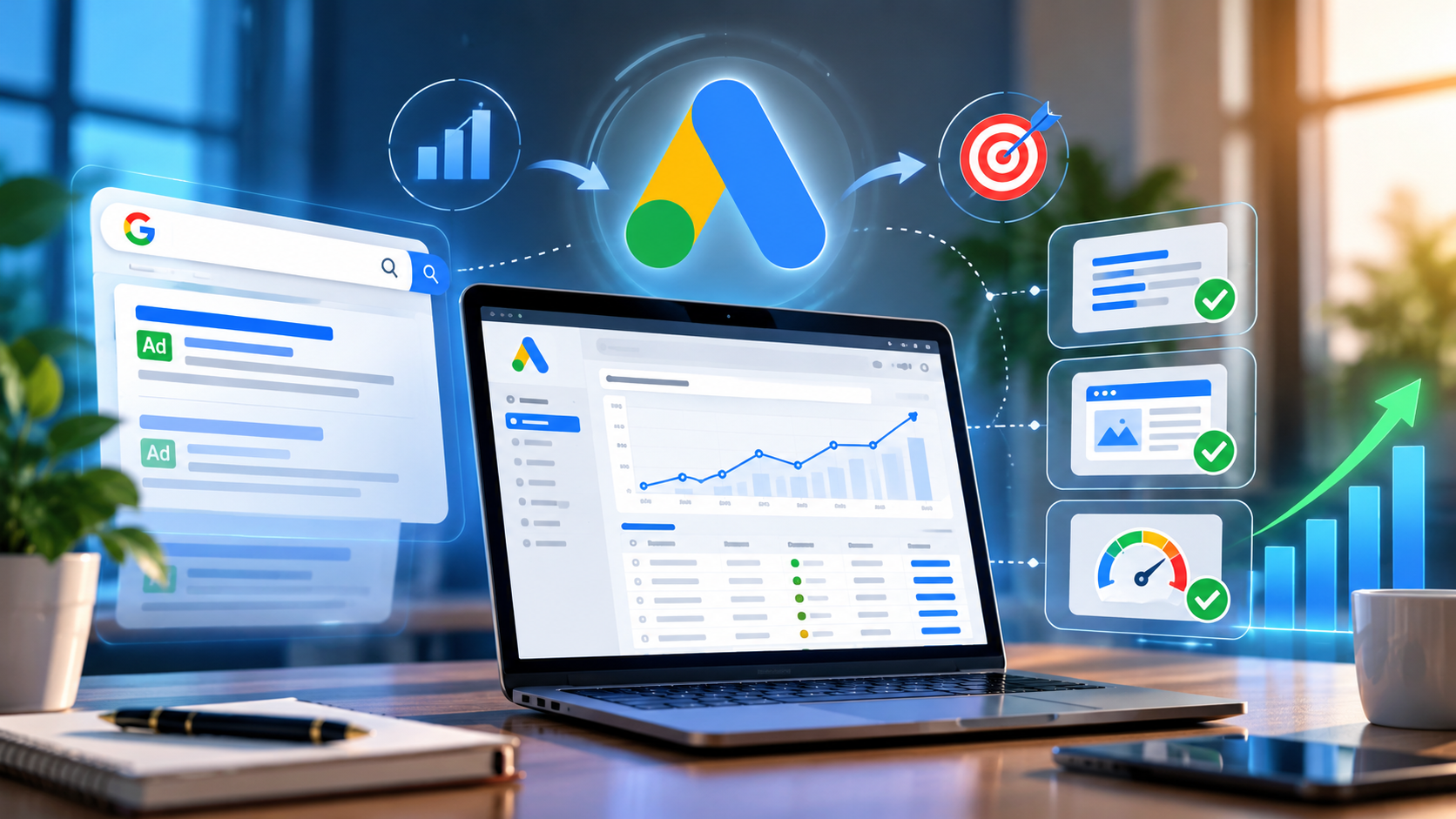
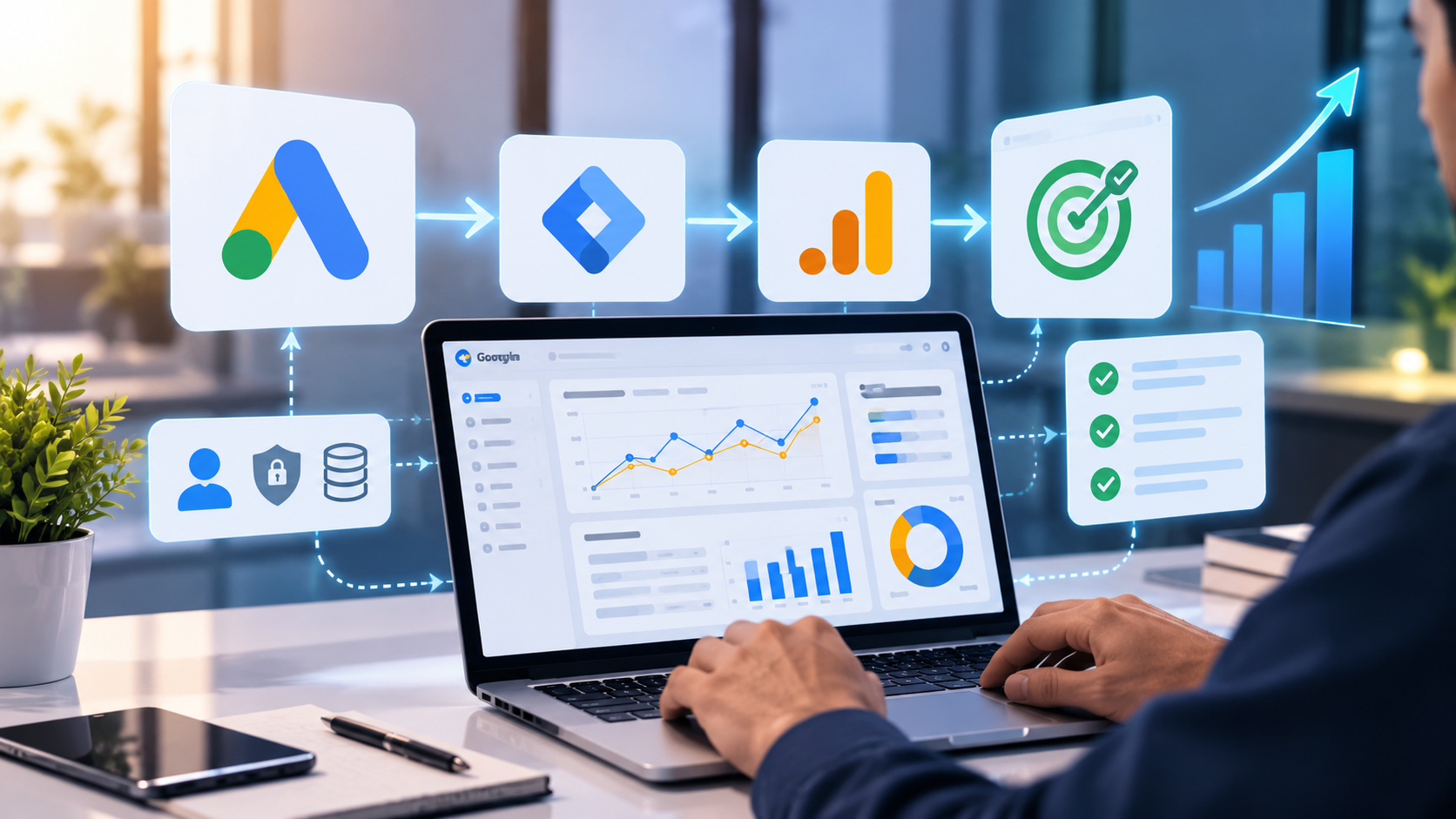

Google Ads AI Max is a bundle of targeting and creative automation that sits inside your existing Search campaigns. AI Max for Search matches ads to queries beyond your keyword list, customizes ad text, and can send people to a more relevant page on your site. In 2026 it matters for two reasons. Google moved it out of beta, and it is absorbing the automation that Dynamic Search Ads (DSA) used to provide. That makes the Google Ads DSA upgrade a planning task for anyone running legacy Search settings.
This guide explains what AI Max does, how to set it up, and how it compares with DSA and Performance Max. It also shows how to prepare for the migration without wrecking performance.
What Is Google Ads AI Max in 2026?
Google’s documentation describes AI Max as a continuous optimization layer for Search campaigns. It is not a new campaign type. You switch it on inside a campaign you already run, and your campaign structure, budget and bidding stay in place.
Google introduced it to extend what DSA and broad match did separately. DSA used your website to find queries and write headlines. AI Max combines your keywords, ads, landing pages and assets with real-time signals. It uses those inputs to find more queries and tailor the ad and landing page to each one. Google calls it an evolution of both DSA and Performance Max with Final URL expansion.
Three parts do the work:
- Search term matching extends reach using broad match plus “keywordless” matching. Keywordless matching finds queries from your landing pages and assets, with no keyword involved.
- Text customization (formerly automatically created assets) generates ad copy from your existing ads, landing page content and keywords.
- Final URL expansion can send traffic to a different page on your domain when Google predicts it will perform better.
Brand controls, URL inclusions and exclusions, and locations of interest sit around these features.
How does this differ from simply turning on broad match? Broad match widens which queries your keywords can trigger. AI Max goes further. It can match queries with no keyword at all, rewrite the ad and change the landing page. Google also says a new keyword-level control, brand inclusions and exclusions, now lives inside AI Max.
Who benefits? Advertisers with conversion-based Smart Bidding, accurate conversion tracking, and a website with distinct, useful pages are best placed. Google states that AI Max won’t be effective if a campaign is limited by budget, and it shows an alert when that happens.
Google Ads September 2026 Update: What Advertisers Need to Know
The timeline changed once, and many articles still describe the old plan. Here is the verified version.
As of October 28, 2026, the status is as follows:
| Date | What happened or will happen | Source type |
| April 15, 2026 | Google announced AI Max leaving beta and a September upgrade for DSA, automatically created assets (ACA) and campaign-level broad match | Google announcement |
| June 11, 2026 | Google extended the DSA sunset and auto-upgrade to begin in February 2027. ACA and campaign-level broad match stayed on the September schedule | Google announcement (update note) |
| August 3, 2026 | New campaign-level broad match and legacy ACA configurations could no longer be created | Reported by Improvado, citing Search Engine Land |
| September 1–30, 2026 | Eligible ACA and campaign-level broad match campaigns auto-upgraded | Improvado; Google said it expected upgrades to conclude by end of September |
| February 2027 | DSA auto-upgrade begins (reported window: February 1–28, with reminders around January 15) | Google confirms the February start; exact window per industry coverage |
Do not assume all DSA campaigns migrated in September 2026. They did not. The September wave covered only campaigns using ACA or the campaign-level broad match setting. DSA campaigns are scheduled for February 2027, and you can upgrade them voluntarily before then.
Google’s announcement described the defaults for each automatic upgrade, designed to mirror your legacy setup:
- ACA campaigns: AI Max with search term matching and text customization on.
- Campaign-level broad match campaigns: AI Max with search term matching on.
- DSA campaigns: dynamic ad groups become standard ad groups, with all three AI Max features on and legacy URL controls preserved. Google wrote this when the DSA upgrade was still planned for September, so check it against the notices in your account.
One more point on creation limits. Google’s original April post said new DSA campaigns could not be created from September. The June update superseded that schedule. Industry coverage of Google’s developer-blog announcement says DSA creation was restored, and sources disagree on whether it ends in January or at the start of the February window. Treat the in-account notification as the authority for your account.
Where to check: the notifications bell in Google Ads, the AI Max section of each campaign’s settings, and the campaign list view. AI Max settings can be filtered or added as columns there, so you can see which campaigns are already on AI Max. Rollouts can differ by account, so verify each one rather than assuming.
AI Max Features: How Google’s Search Automation Works
AI Max Search Term Matching
Search term matching lets your ads show on relevant queries beyond your exact keyword list. It uses broad match, asset-based and landing page-based matching. Negative keywords are still respected.
Control works on two levels. Search term matching must be on at the campaign level before it can be used in an ad group, and each ad group can then switch it on or off. Google also notes that when you move to AI Max, broad keywords are not treated as exact match keywords in prioritization. If you rely on that prioritization, add exact-match copies of those keywords.
What to monitor:
- Query relevance in the search terms report
- Whether new queries convert at acceptable quality
- Where negatives are warranted
Google suggests waiting at least two weeks after enabling AI Max before making changes such as adding negative keywords. That gives the system time to learn, so judge early noise with care. Google’s travel guidance also warns against overusing negatives, since they can limit intent-based targeting.
AI Max Text Customization
Text customization generates headlines and descriptions from your domain, landing pages, existing ads, ad group keywords and assets. The new ad often reuses your existing copy where it fits the query and URL. Google states these assets are fully automated, so you cannot edit them directly.
You still have levers:
- Text guidelines let you set term exclusions and messaging restrictions. They are labeled beta in Google’s documentation.
- Asset reports mark generated text as “Google AI” in the “Added by” column. You can remove assets that are off-brand or inaccurate.
- Bulk removal of Google-customized assets isn’t possible in the interface. It is available through the API and Google Ads Editor.
Review generated copy on a schedule. Automated text can state something your business does not offer, so brand and legal review should not stop at launch.
AI Max Landing Page Routing and Final URL Expansion
With Final URL expansion on, Google may choose a landing page on your domain that is query-relevant and themed to your ad group, instead of the URL you set. That makes AI Max landing page routing only as good as your site. Thin, outdated or duplicate pages will get traffic if Google finds them relevant.
Two documented side effects deserve attention:
- Pinned RSA assets stop being honored when Final URL expansion or URL inclusions are active.
- Tracking templates can break. If a template uses a static URL without an {lpurl} tag, or a nonstandard form such as foo={lpurl}value, expanded pages can fail or users can land on the wrong URL. Google recommends testing before enabling.
Google Ads AI Max Brand Controls
Brand settings work through shared brand lists (Tools > Shared library > Brand lists):
- Brand exclusions are a campaign-level control that prevents your ads from appearing alongside specific brands.
- Brand inclusions work at the campaign or ad group level and restrict association to the brands you name.
- Ad group inclusions override campaign inclusions for that ad group only.
Review them whenever you launch AI Max, add a product line, or see competitor or irrelevant brand terms in your search term data.
AI Max Reporting and Performance Monitoring
In the Google Ads interface, current documentation describes these views:
- A “Search terms and ad combinations” view (formerly “Search terms and landing pages from AI Max”), showing the term, headline and landing page together
- An “AI Max” match type value and a “Source” column in the search terms report (add the column yourself)
- Aggregate rows in the keywords report: “Total: AI Max expanded matches” and “Total: AI Max landing page matches”
- A “Selected by” column in the landing pages report
- An “Expanded final URL assets” tab in the asset report
Google warns that filtering the search terms report by match type “AI Max” may show lower numbers, because the filter excludes “Other search terms”. Campaign totals are therefore the safer reconciliation point.
API reporting is a separate matter. Improvado, citing Google’s API documentation, describes new fields including segments.search_term_match_source and an expanded landing page view. Confirm these in Google’s API documentation and your client library version before building pipelines. Do not assume every API capability appears in the interface. Improvado also notes that some term-level reports overlap, so avoid summing metrics across views.
AI Max vs DSA: What Has Changed?
| Area | Dynamic Search Ads | AI Max for Search |
| Targeting and matching | Website content drives matching via dynamic targets | Keywords, assets and landing pages combine through search term matching, including keywordless matching |
| Ad format | Dynamic ads with generated headlines | Responsive Search Ads, with text customization |
| Search term discovery | Based on site content and DSA targets | Broad match expansion plus keywordless matching, labeled by source |
| Landing page selection | Dynamic landing pages | Final URL expansion, constrained by URL inclusions and exclusions |
| Text generation | Generated headlines | Customized text from ads, pages and keywords, with optional text guidelines |
| Controls | URL rules, page feeds and similar dynamic targets | Brand inclusions and exclusions, URL inclusions and exclusions, text guidelines, ad group search term matching, locations of interest |
| Reporting | DSA search terms and landing page views | AI Max match type, Source column, ad combination view, “Selected by” column |
| Migration implications | Dynamic ad groups convert to standard ad groups | Some legacy URL rules become read-only |
Do not treat them as identical. AI Max inherits DSA’s purpose of finding unexpected queries, but it changes the structure, the creative model and the controls. The settings that need special attention are legacy URL rules, because rule types such as “page title contains” and “page content contains” become read-only.
AI Max vs Performance Max: Which Should Advertisers Choose?
| Area | AI Max for Search | Performance Max |
| Scope and inventory | An optimization layer within a Search campaign | A separate campaign type spanning multiple Google channels |
| Where ads appear | Search results | Multiple Google surfaces, depending on setup |
| Role of search intent and keywords | Keywords, assets and landing pages feed search term matching | Goal- and signal-driven, with search themes and audience signals |
| Creative requirements | Existing RSAs; text customization generates more | Asset groups with text and visual assets |
| Landing page controls | URL inclusions and exclusions, Final URL expansion | Its own Final URL expansion and exclusion controls |
| Reporting | Search terms, ad combinations, landing pages | Channel and asset-focused reporting |
| Suitable use | Search-led demand where keyword-style control and query visibility matter | Broad, cross-channel goals with strong asset libraries |
The Performance Max column draws on general product knowledge rather than the AI Max documentation, so confirm it against current Performance Max help pages before publishing.
Google states that when a query is eligible for both, the campaign with the higher Ad Rank serves. Neither is automatically better, and Google’s documentation makes no claim that one always outperforms the other.
Practical examples:
- A local plumbing company with service pages and a quote form may prefer Search-focused AI Max. Intent is high and query visibility matters.
- A retailer with large asset libraries and a goal to reach people across YouTube and Display may lean toward a broader approach, while testing AI Max on its Search campaigns.
AI Max Campaign Setup: How to Set Up AI Max for Search
The steps below follow Google’s current Help documentation. Interfaces vary by account, so treat menu names as a guide.
Step 1 — Audit Your Existing Search Campaigns
Before adding automation, review:
- Campaign objectives and conversion goals
- Conversion tracking and attribution
- Bidding strategy (Google says key AI Max features need conversion-based Smart Bidding to work effectively)
- Keywords, negative keywords and recent search term performance
- Ad group structure
- Landing pages and any tracking templates
- Existing URL and brand restrictions
A structured Google Ads PPC audit checklist can help you find wasted spend and weak spots before AI Max amplifies them.
Step 2 — Enable AI Max in Google Ads
New Search campaigns: AI Max is on by default. Go to Create > Campaign, choose Search, and select the AI Max features you want. Ad group settings sit under “Keywords and ads.”
Existing campaigns:
- Open Settings in the Campaigns menu.
- Select the Search campaign.
- Choose AI Max in the section menu and toggle it on.
- Pick the features you want.
For several campaigns: select them in Settings, choose Edit, then “Change AI Max settings” or “Change asset optimization settings.”
Step 3 — Configure AI Max Search Term Matching
Set the campaign-level switch first, then adjust ad groups. Ad group settings apply only after AI Max is enabled for the campaign. Google’s tip is to turn on both search term matching and asset optimization to give AI Max the full set of signals.
Step 4 — Configure Text Customization and Final URL Expansion
Both are on by default under the Asset optimization panel. The dependency matters: Final URL expansion requires text customization. Turning off text customization automatically disables Final URL expansion. If you disable text customization, existing generated assets are reported as removed and stop serving.
Step 5 — Configure AI Max URL Expansion Controls
- URL exclusions are campaign-level. They require AI Max, text customization and Final URL expansion to be on. Add them under Final URL expansion with “Add URL exclusions,” using the URLs tab or custom rules.
- URL inclusions are ad group-level. Go to Ad groups, scroll to AI Max, and choose “Add URL inclusions.”
- With inclusions on and Final URL expansion off, Google uses only your specified URLs. With both on, it can use your URLs and others it predicts will perform.
Example: a consulting site has /services/, /blog/ and /contact/. You might include /services/ pages, exclude /blog/ and /careers/ if they rarely convert, and decide deliberately whether /contact/ should receive paid traffic. Legacy rule types from DSA, such as “page title contains,” cannot be added or edited after an upgrade, though you can remove them.
Step 6 — Review Google Ads AI Max Brand Controls
Create brand lists, then apply exclusions at campaign level and inclusions at campaign or ad group level. For example, a retailer selling only its own range might add an inclusion for its brand at the campaign level, then add an ad group inclusion for a distinct sub-brand where needed.
Step 7 — Validate Tracking and Launch
- Confirm conversions fire correctly. The Google Ads conversion tracking setup guide covers GA4 and enhanced conversions if you need to verify them.
- Test any tracking template against dynamic URLs.
- Review generated assets and remove anything off-brand.
- Record baseline metrics before launch.
- Consider a controlled experiment. Google offers AI Max experiments, and eligible accounts may see a one-click 50/50 test on the Recommendations page.
How to Migrate DSA to AI Max Without Disrupting Performance
Google supplies an upgrade tool that ports historical settings and data into standard ad groups.
Step 1 — Audit Your Existing DSA Campaigns
List every campaign with DSA settings. Record dynamic ad groups, URL rules, excluded pages, conversion performance and the search term and landing page reports you want to preserve. Screenshot or export before changing anything.
Step 2 — Review the Official Upgrade Option
- Go to Campaigns, open the Settings tab and select the campaigns.
- In the “Dynamic Search Ads” panel, select Upgrade. The callout appears whether or not AI Max is already on.
- Read the confirmation dialog before confirming.
If you are in a specific dynamic ad group, its callout redirects you to Campaign Settings.
Step 3 — Understand the Conversion from Dynamic Ad Groups to Standard Ad Groups
According to Google’s confirmation dialog:
- Dynamic ad groups convert to standard ad groups.
- Existing DSAs become Responsive Search Ads, and Google generates the minimum static assets required through text customization.
- You can turn on Final URL expansion.
- Legacy DSA targets that AI Max does not support become read-only, with a warning shown in the dialog.
Step 4 — Validate Text Customization and Final URL Expansion
Check the generated headlines, confirm expanded landing pages are appropriate, and update URL exclusions before the new ads gain traction. Remember that pinned assets are not honored with Final URL expansion on.
Step 5 — Monitor the Transition
Google describes a transitional period. Legacy DSAs keep running while new RSAs are generated and policy-reviewed. If the new RSAs fail policy checks, the DSAs continue to serve. Once the new RSAs are eligible and active, the old DSAs are paused and placed in a view-only state. Do not assume this is instant or risk-free for every account.
Step 6 — Verify Performance After Migration
Track these weekly against your baseline:
- Impressions and clicks
- Spend and average CPC
- Conversions and conversion value
- CPA or ROAS, where relevant
- Search term quality and landing page relevance
- Lead quality or business outcomes
- Conversion tracking discrepancies
Normal variation vs. a real problem: gradual movement in clicks and CPC is expected while the system learns. Warning signs include conversions dropping to zero while clicks continue, spend rising with no matching change in leads, new queries unrelated to your offer, or traffic landing on pages you never intended. Treat the first as a monitoring item and the second as an immediate audit trigger.
DSA Sunset 2026 Strategy: How Advertisers Should Prepare Now
Despite the “2026” in the phrase, the planning date that matters is February 2027. Earlier assumptions about a September 2026 DSA deadline are outdated. That extra runway is only useful if you use it deliberately.
Readiness checklist:
- Inventory all active DSA campaigns.
- Identify unsupported or legacy targeting rules that will become read-only.
- Review URL inclusions and exclusions.
- Check conversion tracking and Smart Bidding readiness.
- Inspect website content and landing page quality.
- Establish performance baselines.
- Review Google Ads account notifications.
- Document pre-migration settings.
- Allocate time for ad review and post-migration validation.
- Schedule monitoring based on your account’s actual rollout.
Do now: the inventory, documentation, conversion tracking checks, URL audit, baselines and a voluntary upgrade of a test campaign. Depends on Google’s schedule or your account: the automatic upgrade date, notification timing and any account-specific eligibility.
Google Ads AI Max Strategy: Optimization Best Practices
Automated optimization depends on conversion signals, business goals, account configuration and the quality of your site and creative. Google’s own documentation gives no universal threshold, so avoid fixed rules.
AI Max Optimization Best Practices: Start with Signals
Use conversion-based Smart Bidding with accurate conversions. Manual CPC limits AI Max, and Google’s FAQ says search term matching will not work with it. Align budget with goals, since budget-limited campaigns trigger a Google alert.
Search Term and Negative Keyword Reviews
Review the Source column and ad combination view regularly. Add negatives for clearly irrelevant intent, but use them deliberately rather than reflexively.
Landing Page Quality and URL Exclusion Audits
Revisit exclusions after every site change. Use the landing pages report to add exclusions from performance data.
Brand Safety and Text Guidelines
Use text guidelines and asset removal for messaging control, and review “Google AI” assets on a schedule.
Lead Quality and Controlled Experimentation
Measure downstream outcomes, not just form fills. Test with AI Max experiments rather than switching everything at once. For broader context, see our guide to AI-driven PPC marketing strategies.
On performance claims, Google reports that AI Max campaigns using the full feature suite averaged 7% more conversions or conversion value at a similar CPA or ROAS, compared with search term matching alone. This is Google internal data from 2026 for non-Retail advertisers. Treat it as a vendor figure, not a guarantee for your account.
Common AI Max Implementation Mistakes to Avoid
| Mistake | Corrective action |
| Confusing AI Max with Performance Max | Remember AI Max is a Search-campaign layer. Choose each on its own merits |
| Assuming all DSA campaigns migrated in September 2026 | Check each campaign’s settings and notifications. DSA auto-upgrade begins February 2027 |
| Enabling features without checking landing pages and URLs | Audit pages, set exclusions, and test tracking templates first |
| Ignoring search term quality | Review the Source column and ad combination view on a schedule |
| Relying on incomplete conversion tracking | Validate conversions before launch |
| Not reviewing AI-generated messaging | Check “Google AI” assets and apply text guidelines |
| Using unsuitable Smart Bidding objectives | Match conversion goals to business outcomes, avoiding Manual CPC |
| Judging performance on too little data | Compare against baselines over consistent periods, ideally with an experiment |
Before any of these, run a PPC campaign optimization audit to remove existing waste, so automation doesn’t scale it.
Frequently Asked Questions About Google Ads AI Max in 2026
It is a suite of targeting and creative features, covering search term matching, text customization and Final URL expansion, that optimizes existing Search campaigns.
No. Google calls it an optimization layer within existing Search campaigns.
Google automatically upgraded eligible campaigns using automatically created assets or the campaign-level broad match setting to AI Max, with Google expecting upgrades to conclude by the end of September. DSA was not part of it.
Google’s updated timeline says the DSA sunset and auto-upgrade begin in February 2027. Industry coverage reports a February 1–28 window.
New Search campaigns have it on by default. For existing ones, open campaign Settings, select AI Max, toggle it on and choose features.
Yes, through URL inclusions (ad group level) and URL exclusions (campaign level), plus the Final URL expansion toggle.
Yes. Add URL exclusions with AI Max, text customization and Final URL expansion all on. You can also add exclusions from the landing pages report.
AI Max uses standard ad groups and RSAs, adds keywordless matching and brand controls, and reports match source. DSA relied on dynamic targets and dynamic ad groups.
AI Max optimizes Search campaigns. Performance Max is a separate campaign type. When both are eligible for a query, the higher Ad Rank serves.
Google says search term matching, Final URL expansion and text customization require conversion-based Smart Bidding to function effectively. With Manual CPC, search term matching won’t work.
Partly. You can remove assets, use text guidelines (beta) and set brand lists, but the generated text itself is automated.
Conversion tracking, legacy URL rules that will become read-only, landing page quality, tracking templates, baselines and your documented settings.
Final Thoughts
Successful AI Max adoption takes more than flipping a switch. Validate conversion tracking, understand how matching and landing page choices change, keep control of URLs and brand messaging, and monitor outcomes against a baseline.